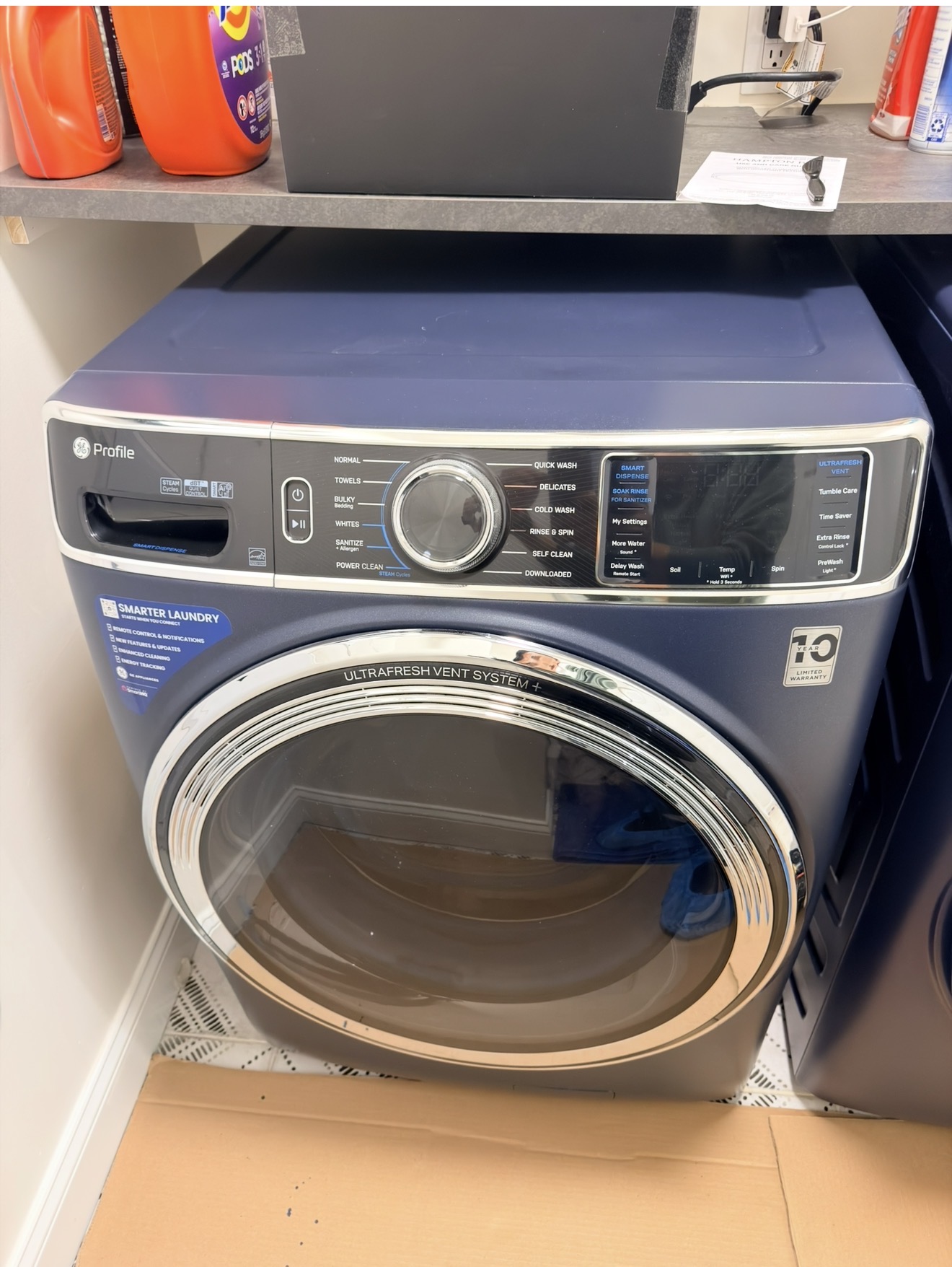
Samsung gas range repair in Port Richmond Staten Island 10310 — Premier Appliance Repair

Samsung Oven Trips the Breaker?
Same-day repair · Port Richmond 10310

Breaker keeps tripping · Display flickers · Oven won't power on after a surge · Outlet scorched · Plus standard heating issues — same-day Samsung repair across Port Richmond, Mariners Harbor & Elm Park

Available Today · 3 appointments in 10310
📅 Book a Same-Day Visit 📞 Call (929) 261-4444

$80 diagnostic · Exact repair price after diagnosis · 90-day warranty

5.0 Google 75+ verified reviews
Licensed & Insured 4+ years experience
90-Day Warranty Parts & labor
Same-Day Service 7 Days a Week

GET A CALLBACK

Tell us what's wrong —
we call back in 15 min

Describe the problem — Badma will call to confirm the likely fix and same-day availability across Port Richmond, Mariners Harbor, Elm Park, and the 10310 portion of the North Shore. If the breaker keeps tripping or you see scorching at an outlet, mention that — different first steps.

★★★★★ 75+ Staten Island homeowners trust us on Google
✅ Got it! Badma will call you back within 15 minutes.
⚠️ Something went wrong. Please call (929) 261-4444.
5.0 Google rating across 75+ reviews
$80 Flat diagnostic — applied toward your repair
90d Warranty on every completed repair — parts & labor
Same Day Most 10310 calls diagnosed & repaired in one visit

Samsung Oven Repair — Port Richmond 10310

When the Breaker Keeps Tripping or the Oven Won't Power On — North Shore Electrical Layer

📍 Port Richmond · Mariners Harbor · Elm Park · Graniteville

"Breaker trips every time I turn on the oven." "Display flickers and resets when the dishwasher cycles." "After last week's storm the oven won't power on at all." "There's a brown scorch mark on the wall outlet behind the range." Calls from Port Richmond and Mariners Harbor sound different than calls from any other Staten Island ZIP. The Samsung in your kitchen may be working fine — the issue is upstream of the appliance. 10310 has the borough's most complex electrical environment for a residential range, and that adds a whole layer of failure modes you don't see elsewhere.

Premier Appliance Repair's flat $80 diagnostic covers the trip to your Port Richmond, Mariners Harbor, Elm Park, or 10310 Graniteville home, full on-site testing, and a written quote. Approve and the $80 applies toward the repair. Decline and you pay only the $80, no upsell. The on-site step matters more in 10310 than in any other ZIP because we're often diagnosing both the appliance and the electrical environment around it — knowing whether you have a bad outlet, a shared circuit overload, or actual oven hardware failure changes the price by a lot.

Two safety lines, both critical here. If you smell gas, turn off the range, open windows, do not flip light switches, and call National Grid at 1-718-643-4050. If the breaker trips repeatedly when the oven turns on, or you see scorching, melted plastic, or burned smell at the outlet behind the range, do NOT keep resetting the breaker. Repeated tripping points to a real fault, and continuing to reset it can cause an electrical fire. Stop, leave it off, and call us — we test the outlet and circuit before any range work.

Why 10310 Has More Electrical-Side Range Issues Than Other ZIPs

Port Richmond and Mariners Harbor sit along the Kill Van Kull on the North Shore. The neighborhood mixes residential and industrial in a way no other Staten Island ZIP does. Pre-WWII row houses and Victorians line streets like Castleton Ave, Forest Ave, and Richmond Terrace. Industrial sites — fuel storage, scrap operations, port-related facilities, the Bayonne Bridge approach — sit a block or two from residential blocks. The combination creates three electrical conditions that affect Samsung ranges:

(1) Older home electrical panels. Many 10310 homes have subpanels installed in the 1960s or 70s that are now near or at capacity. A modern Samsung range pulls 30–50 amps on the cooktop and oven combined; on an older subpanel that's also feeding a window AC, refrigerator, and a few lamps, the math gets tight. Result: breaker trips when multiple loads coincide, even though the range itself is healthy.

(2) Voltage instability from industrial neighbors. Heavy machinery cycling at industrial facilities along the Kill Van Kull creates voltage sags and spikes on the local distribution feeders. Modern Samsung control boards (DG92-01084E and similar) have surge protection but it's not unlimited — repeated voltage events over years degrade the board's filter capacitors. Symptom: display starts flickering, restarting on its own, occasional code C-F0 (communication error) when there was no apparent trigger.

(3) Decades-old outlet behind the range. Many 10310 kitchens have the original 240V outlet from when the range was first installed in the 60s, 70s, or 80s. Vibration over decades loosens the plug-to-outlet contact. A poor connection runs hot. Hot connections oxidize the contacts further, making them worse. Eventually you get arcing — visible scorching on the outlet face, burned plastic smell, sometimes a small flicker in the kitchen lights when the oven cycles. This is a fire-risk situation that needs the outlet replaced, not just the range fixed.

Samsung Oven Trips the Breaker — Three Distinct Causes

The most common 10310 call. Three different problems each manifest as "breaker trips when oven turns on," and they need different fixes.

(A) Shared-circuit overload. If the breaker only trips when you have multiple things running simultaneously — oven preheating plus the dishwasher plus a microwave plus a window AC — you have a circuit-load problem, not an oven problem. The fix is electrical work (separate circuit for the range) outside our scope, but Badma can confirm this is the cause during diagnosis.

(B) Oven internal short. If the breaker trips immediately the moment you press Bake, every time, regardless of what else is running, the oven has an internal short — usually a damaged bake element on electric models, a damaged wiring harness, or a control board that has burned through after a voltage event. This is repairable. Standard same-visit repair once we identify which component shorted.

(C) Bad breaker or weak connection. A 30+ year-old breaker can lose its hold strength and trip below its rated amperage. Outlet contact corrosion can cause similar false-trip symptoms. Both are electrical-side issues — we identify them during diagnosis, but the fix may be electrical work rather than appliance repair.

Samsung Oven Won't Power On After a Storm or Outage

10310 sees more grid events than southern ZIPs because of the industrial-adjacent feeder lines. After a Con Edison outage or a storm-related power surge, Samsung ovens here sometimes won't come back on. The diagnostic order:

Step 1: Verify wall power is restored — plug a lamp into a nearby outlet to confirm. If no power anywhere, that's a Con Ed issue, not the range.
Step 2: Check the breaker. Storm events sometimes trip breakers half-way; cycle the Range/Oven breaker fully OFF for 30 seconds, then ON.
Step 3: Pull the range out and check the outlet behind it. Look for scorching, melted plastic, or unusual heat. If the outlet looks normal, reseat the plug firmly.
Step 4: Long power cycle. Breaker OFF for 5 full minutes, then ON. Sometimes the range's internal protection circuits need a complete cooldown to reset.

If the display stays dark after these steps, the surge damaged the control board, the ribbon cable connector, or the internal power supply. Same-visit repair, but tell Badma the storm date — it helps narrow the diagnosis.

Display Flickers, Resets, or Shows Random Errors

Specific to 10310's voltage instability environment. The control board reads its own input voltage continuously; when voltage briefly dips or spikes from industrial machinery cycling on the local feeder, the board can momentarily lose state. Symptoms:

Display goes blank for a fraction of a second, then comes back — sometimes during cooking, sometimes when you're not even using the oven. Voltage flicker.
Random error codes appear and clear themselves. Most often C-F0 (communication error) — usually a transient response to voltage events, but if it happens repeatedly the ribbon cable connector or board itself is degrading.
Clock loses time or resets to 12:00 occasionally. Voltage drops below the threshold needed to maintain the clock chip's hold. Annoying but not damaging in itself.

Long-term fix is a whole-house surge protector (electrical work, not us) plus replacing any control board that's been degraded by years of voltage events. Short-term fix is appliance-side: replace the affected board and add an in-line surge suppressor on the range plug.

Outlet Scorched or Plug Hot Behind the Range

This is the situation that's most urgent in 10310 and most often missed. Pull the range out (gently — don't yank on the gas line if you have gas service) and look at the wall outlet that the range plug goes into. Healthy outlet has clean metal contacts and unmarked plastic face. Failing outlet can show:

Brown or black scorching around the plug holes. Heat from a poor contact has discolored the plastic. Outlet needs replacement.
Melted or distorted plastic. Past the point of replacement only — needs a licensed electrician to replace the outlet AND inspect the wire feeding it.
Plug noticeably warm or hot to the touch after the oven has been running. The contact is high-resistance. Will eventually fail; replace before it does.
Burned-plastic smell when cooking. Active arcing happening. Stop using the range, leave the breaker OFF, and call us same-day — we'll inspect the outlet and refer to an electrician if needed.

Many 10310 homes still have the original outlet from when the range was first installed decades ago. We see this scorching pattern often enough that we always check the outlet during diagnosis, even when the customer didn't mention any electrical symptoms.

Standard Samsung Issues Still Happen Here Too

The electrical layer is on top of all the standard Samsung failure modes — they don't replace them. Bake igniter weakness on gas models, temperature sensor drift, gasket wear, door switch problems all show up in 10310 at roughly the same rate as elsewhere on Staten Island. The diagnostic question is always: is this a Samsung component issue, an electrical environment issue, or both? Sometimes the answer is "the igniter died because a voltage spike fried the relay that powers it" — both at once. Same-visit repair on most cases.

Why We Don't Quote Prices Over the Phone

In 10310 especially: a quoted "oven won't heat" can be a $40 igniter fix, a $200 control board repair, a $30 outlet replacement (if simple), or a flag-and-refer to an electrician (if the wiring itself is the issue). On-site diagnosis is the only way to know. You pay $80 for the visit and the diagnosis, get the exact repair price in writing, and decide. Approve and the $80 credits toward the work. Decline and you pay only the $80 and Badma leaves. Same approach for every customer in Port Richmond, Mariners Harbor, Elm Park, the 10310 portion of Graniteville, and adjacent North Shore residential blocks.
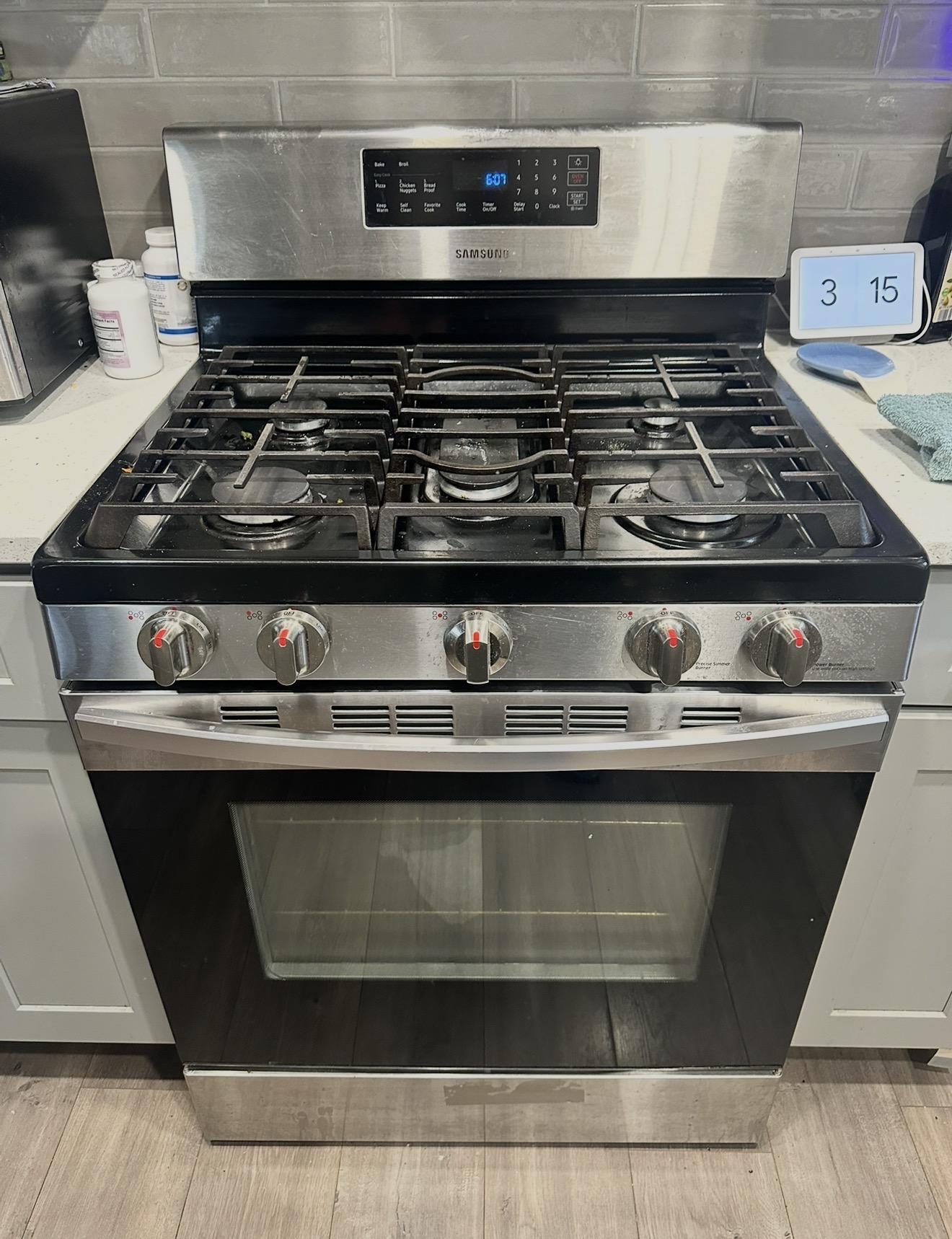
Why Choose Premier

Premier vs Samsung Service Center

Factor 🏢 Samsung Service 🔧 Premier Appliance
Arrival in Port Richmond ❌ 5–14 day wait ✅ Same-day
Free phone advice before a visit ❌ Queue & script ✓ Always
Diagnostic fee ❌ $100–150+ ✅ $80, applied
Price quoted before work starts ❌ Not always ✅ Always in writing
Warranty ❌ Varies ✅ 90-day guarantee
Weekend availability ❌ Weekdays only ✅ Mon–Sun

Honest, Transparent Pricing

What a Visit Costs

$0
Hidden Fees
No weekend charge. No trip fee. No surcharge for outlet inspection or voltage testing. If we find the issue is electrical-side and outside our scope, we tell you that straight and refund the diagnostic minus a small assessment fee. No surprises.
How the repair price is determined: After diagnosis, Badma gives you the exact price in writing. It depends on which part failed and your Samsung model — a bake igniter replacement, spark electrode, spark module, temperature sensor, door lock motor, and control board are all different repairs at different prices. We don't guess over the phone because two ranges with the same symptom can need different parts. You approve the price before any work starts. Every completed repair carries a 90-day parts and labor warranty.

Book Your Visit

Samsung Oven Tripping the Breaker or Won't Power On in Port Richmond?

Same-day diagnosis — $80 flat. We test the outlet and circuit before any range work because 10310 has the borough's most complex electrical environment. Covers Castleton Ave, Forest Ave, Richmond Terrace, and all of ZIP 10310.

📅 Book Online Now 📞 (929) 261-4444

Samsung Oven Error Codes & Display Diagnostics

Samsung Display Codes Common in 10310 — How Voltage Events Change the Diagnosis

10310 industrial-adjacent electrical environment changes which Samsung error codes appear most frequently. Voltage instability from neighboring industrial sites along the Kill Van Kull degrades control board filter capacitors, which makes C-F0 communication errors and intermittent display resets more common here than in southern ZIPs. Outlet-side issues create symptoms that look like control failure but are actually upstream of the appliance.

E-08 / E08 Oven Failed to Reach Set Temperature

E-08 fires when the oven cannot get to your target temperature inside the time window. In 10310 the cause is usually still a weak bake igniter — but it can also be a damaged control board relay from a previous voltage event that no longer reliably powers the igniter circuit.

  1. Cancel cycle, wait 15 minutes for cool-down.
  2. Restart at Bake 350°F. Watch for orange igniter glow within 30–60 seconds, blue flame ignition behind it.
  3. Glow visible but no flame after a full minute = weak igniter.
  4. Glow appears and disappears repeatedly during preheat = control board relay chattering, often after a voltage spike damaged the relay.
  5. No glow at all = dead igniter, broken wire, or relay fault.

In 10310 we always note whether the oven has been hit by a recent surge or outage — that affects whether we replace just the igniter or the relay board too. Call (929) 261-4444 →

C-d0 / C-D0 Touch Panel Phantom Press

C-d0 means the control reads a touch button as continuously held. Standard cleaning steps usually resolve it, but in 10310 there is a 10310-specific consideration: voltage events can scramble the touch panel state without any actual stuck button.

  1. Wipe the entire panel with a damp microfiber. No direct cleaner spray.
  2. Visual check — no cracked or jammed buttons.
  3. Cut breaker power 5–10 minutes; restore. Particularly important in 10310 because aged voltage-stressed boards take longer to fully reset.
  4. Test cycle.

Persistent C-d0 after cleaning and a long power cycle = panel hardware needs replacement, possibly along with the underlying control board if voltage damage is suspected. Call (929) 261-4444 →

C-d1 / C-D1 Touch Panel or Lock Circuit Short

C-d1 indicates the control sees a short in either the touch panel or door lock circuit. Identical symptoms across electrical and gas models. In 10310 we see this code more often after surge events because the lock motor wiring runs near voltage-sensitive areas of the harness.

  1. Power off via breaker for 10 minutes; restore.
  2. Open the door, inspect the lock motor area for damage.
  3. Verify the door closes fully and squarely.
  4. If C-d1 keeps coming back, lock motor or touch panel needs replacement.

Standard same-visit repair. Call (929) 261-4444 →

C-20 / C-21 Sensor Reading Out of Range

C-20 indicates the oven temperature sensor is reporting a value the control rejects. C-21 is the more serious over-temperature warning. In 10310 we sometimes see this code triggered by a voltage event that briefly drove the sensor reading out of valid range, even though the sensor itself is fine.

  1. Power off via breaker for 5 minutes; restore.
  2. If C-20 returns immediately on power-up before any heating, the sensor or its harness is at fault — not a transient voltage event.
  3. If C-21 is showing, leave the oven off and call us. Over-temperature condition needs investigation before any further use.
  4. If C-20 cleared after a power cycle and only returns occasionally, that is a voltage-event signature — note when it happens (e.g., after large industrial machinery cycles in your area).

Sensor (DG32-00002B) replacement if the sensor is the actual cause; in 10310 we sometimes also recommend an in-line surge suppressor to reduce repeat events. Call (929) 261-4444 →

C-F0 / CF0 Boards Lost Communication — Most Common 10310 Code

C-F0 means the main control board and display board have lost their internal connection. This is the most common code we see in 10310 because voltage instability from industrial neighbors degrades the ribbon cable connector and filter capacitors over years.

  1. Breaker OFF for a full 10 minutes (longer than typical because voltage-stressed boards need extended reset time).
  2. Restore. Wait 2 minutes before pressing anything.
  3. Run a test cycle. If C-F0 cleared, watch for recurrence.

Recurring C-F0 in 10310 almost always means the ribbon cable needs reseating and the relay board (DG92-01084E) probably has voltage-related capacitor degradation. Pre-emptive board replacement is sometimes cheaper than waiting for the next voltage event to finish it off. Call (929) 261-4444 →

LE Door Lock Will Not Release

LE shows when the door lock motor is engaged but cannot return to unlocked. Self-clean cycles trigger the lock; sometimes it fails to release after cool-down. Less common in 10310 than in heavy-self-clean ZIPs because Port Richmond and Mariners Harbor owners tend to skip self-clean — but the lock motor still wears from regular open/close.

  1. Wait fully — minimum 2 hours from end of self-clean. Lock will not release until cavity drops below ~200°F internal.
  2. After cool-down, breaker OFF 10 minutes, then ON.
  3. If still locked, the lock motor needs replacement.

Standard same-visit repair on most NX58 models. Call (929) 261-4444 →

C-F2 / CF2 Convection Fan Motor Issue

C-F2 means the convection fan is not turning when convection mode requires it. Bearing wear is the most common cause. In 10310 we sometimes see C-F2 after a voltage spike damaged the fan motor controller circuit on the relay board, which cuts power to a healthy motor.

  1. Switch to a non-convection bake mode — works? Then the fault is fan-isolated.
  2. Listen for grinding or whining from behind the range during convection.
  3. Power cycle 5 minutes.

Fan motor replacement is a standard same-visit repair; in 10310 we test motor windings and the controller circuit separately to determine which actually failed. Call (929) 261-4444 →

No Code No Display Code, but Oven Will Not Work

The oven simply will not heat or turn on, and the display shows no error code at all. In 10310 the most likely causes are different from elsewhere on Staten Island:

  1. Outlet contact failure. Most common 10310 silent failure. Pull range out, inspect outlet for scorching or melted plastic, check whether plug is hot to the touch.
  2. Breaker tripped or weakened. Cycle Range/Oven breaker OFF for 30 seconds, then ON. If it trips again immediately, do not keep resetting.
  3. Control board power supply damaged by surge. Display dark, no response. Often after a recent storm or grid event.
  4. Demo mode. Display shows "d" or "tESt." Hold Options to exit.

If breaker is tripping repeatedly or you see scorching at the outlet, do NOT keep resetting — that points to a real fault. Call us same-day; we test the outlet and circuit before any range work. Call (929) 261-4444 →

Common Samsung Oven Problems — Port Richmond 10310

Electrical-Side & Hardware Issues We Fix in 10310

Samsung oven trips the breaker (the #1 issue in 10310)

If your breaker trips when the oven runs, the cause is one of three things — and they need different fixes.

  1. Shared-circuit overload — trips only when oven plus dishwasher plus AC run simultaneously. Electrical-side issue, not appliance.
  2. Internal oven short — trips immediately every time you press Bake, regardless of other loads. Damaged element, harness, or control board. Repairable.
  3. Bad breaker or weak outlet contact — trips below rated amperage, often on 30+ year-old breakers in older 10310 panels.

Do NOT keep resetting a tripping breaker — repeated tripping points to a real fault and continuing can cause an electrical fire. Stop, leave it off, and call us. Call (929) 261-4444 →

Samsung oven won't power on after a storm or surge

Common in 10310 because of industrial-adjacent voltage instability. Diagnostic order before calling:

  1. Verify wall power — plug a lamp into a nearby outlet to confirm Con Ed restored service.
  2. Check the breaker — storm events sometimes trip breakers half-way; cycle Range/Oven breaker fully OFF for 30 seconds, then ON.
  3. Inspect the outlet behind the range — pull the range out gently, look for scorching, melted plastic, or unusual heat.
  4. Long power cycle — breaker OFF for 5 full minutes, then ON. Surge-affected internal protection circuits need extended cooldown to reset.

If display stays dark after these steps, the surge damaged the control board, ribbon cable, or internal power supply. Tell Badma the storm date when you call. Call (929) 261-4444 →

Display flickers, resets, or shows random errors

Specific to 10310's voltage instability environment. Heavy machinery cycling at industrial sites along the Kill Van Kull creates voltage sags and spikes that briefly destabilize the control board.

  1. Display blanks for a fraction of a second, then comes back — voltage flicker. Usually a transient.
  2. Random C-F0 codes appear and clear themselves — voltage-event response. If frequent, the ribbon cable connector or board is degrading.
  3. Clock loses time or resets to 12:00 occasionally — voltage drops below clock-chip hold threshold.

Long-term fix is a whole-house surge protector (electrical work) plus replacing any control board degraded by years of voltage events. We handle the appliance side same-visit. Call (929) 261-4444 →

Outlet scorched or plug hot behind the range

Most urgent 10310 issue and most often missed. Pull the range out and inspect the wall outlet:

  1. Brown or black scorching around the plug holes — heat from poor contact has discolored plastic. Outlet replacement.
  2. Melted or distorted plastic — past replacement only — needs licensed electrician to replace outlet AND inspect feeder wire.
  3. Plug noticeably warm or hot to the touch after oven runs — high-resistance contact. Replace before failure.
  4. Burned-plastic smell when cooking — active arcing. Stop using range, breaker OFF, call us same-day.

Many 10310 homes still have the original outlet from when the range was first installed decades ago. We always check during diagnosis. Call (929) 261-4444 →

Samsung oven won't heat — burners work, oven stays cold

Standard hardware diagnosis applies in 10310 the same as everywhere — the electrical layer is on top of, not instead of, normal Samsung failure modes.

  1. Demo mode is on — display shows "d", "tESt", or "DEMO". Hold Options to exit.
  2. Door not closed — reseat all racks back, close door firmly.
  3. Run the bake igniter glow test — set Bake 350°F, watch for orange glow within 30–60 seconds, blue flame should follow.
  4. Glow but no flame = weak igniter, replacement.
  5. Glow appears and disappears = relay chattering, often from prior voltage damage. Different fix than igniter alone.

Standard same-visit repair. Call (929) 261-4444 →

Samsung oven takes too long to preheat

Three common causes, all standard regardless of ZIP:

  1. Worn door gasket — run a finger around the seal, squishy or crusty in spots = past lifetime.
  2. Weak bake igniter — even when it lights the burner, weak igniter cycles gas valve open inefficiently.
  3. Drifting temperature sensor (DG32-00002B) — verify with $6 oven thermometer; off by more than 35°F = sensor needs replacement.

In 10310 we also check whether voltage events have damaged the relay that powers the heating circuit — sometimes slow preheat traces back to that rather than the igniter itself. Call (929) 261-4444 →

I smell gas near the range — what should I do first?

Do not try to fix this yourself. Turn off the range. Open windows. Don't flip light switches or use lighters.

  1. Call National Grid 24-hour gas emergency line: 1-718-643-4050. Free, comes 24/7, will shut off supply if there's a leak.
  2. Stay out of the kitchen until they arrive.
  3. Once safe, call us at (929) 261-4444 to repair the range component that caused the issue.

We do not service live gas leaks — that is utility work. Once the gas is safe, we fix the appliance. Call (929) 261-4444 →

Your Technician

About Badma

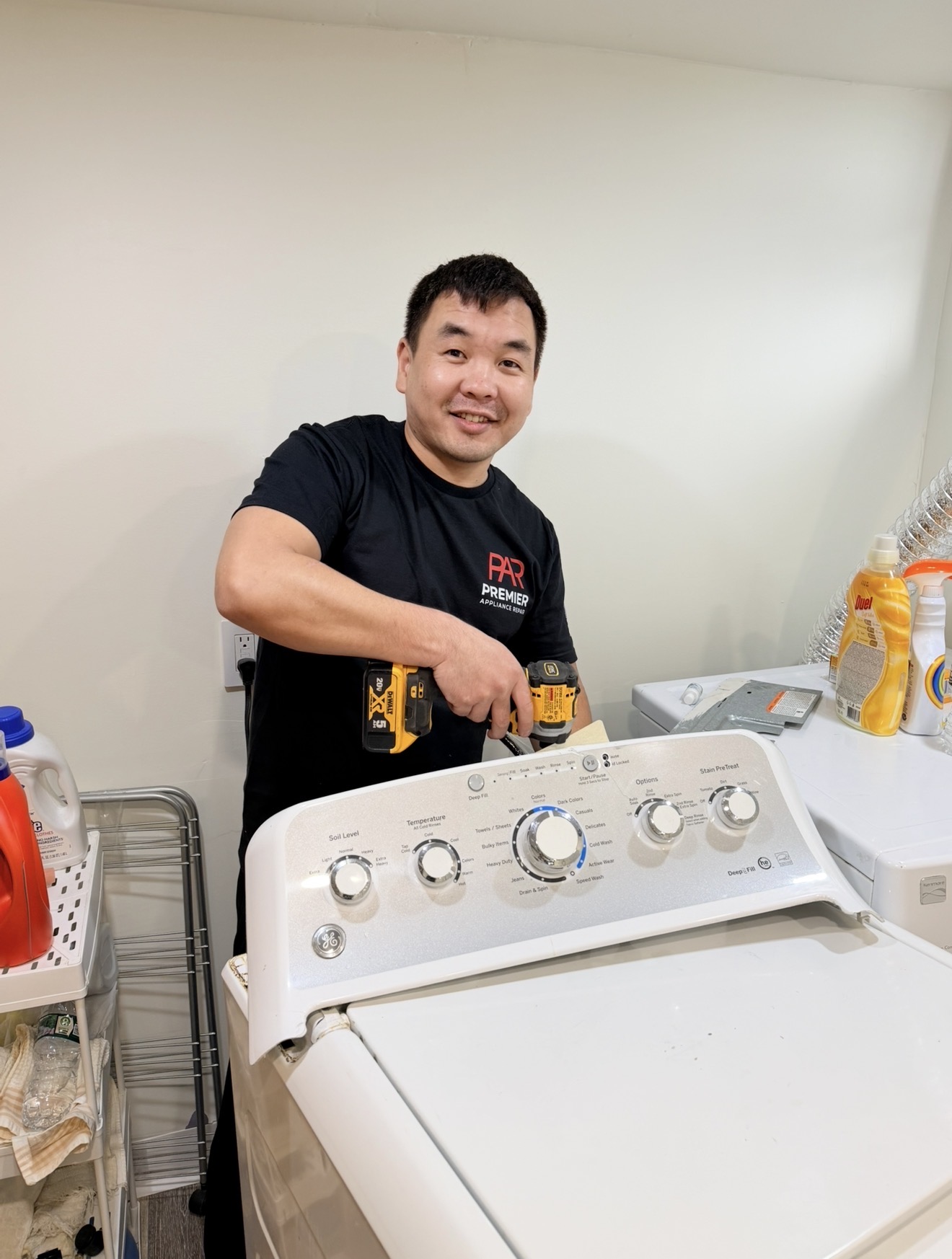
Badma — owner and technician, Premier Appliance Repair Inc
Badma Owner & Technician · Premier Appliance Repair Inc
  • 🔧
    4+ Years Repairing Samsung Gas & Electric Ranges Across Staten Island Gas ranges, electric ranges, slide-ins, wall ovens — all Samsung models
  • 👤
    Every Repair, Personally Badma handles the diagnosis, sources the parts, and does the repair himself — no subcontractors
  • 💰
    $80 Flat Diagnostic — Exact Price After No phone guesses, no surprise fees. Written quote before any work starts.
  • 🛡️
    90-Day Parts & Labor Warranty On every completed repair — backed by Badma directly

The Repair Process

How a Samsung Oven Repair Visit Works

1

Call or Book — Share Your Model and Symptom

Call (929) 261-4444 or book online. Share your Samsung range model number (on the label inside the door frame) and a short description of what's happening — the error code, whether the burner clicks, whether you saw the igniter glow. Badma often has specific troubleshooting to try on the phone before scheduling, and some issues get solved in 5 minutes at no cost.

📅 7 Days a Week
2

On-Site Diagnosis — $80 Flat

Badma arrives, inspects the range, and tests the relevant components — bake igniter, spark module, spark electrode, temperature sensor, door lock motor, control board, wiring — to identify exactly what has failed. The $80 covers the visit and the diagnosis regardless of how long it takes.

3

Written Quote — Exact Price Before Any Work

You get the exact repair price in writing — the specific part, its cost, and the labor. If you approve, the $80 diagnostic applies toward the total. If you decide not to proceed, you pay only the $80 and Badma leaves. No pressure, no upsell.

4

Repair Done — Same Visit When Part Is On Truck

Most common Samsung gas range parts — bake igniters, spark electrodes, temperature sensors, door lock motors, common control boards — are on Badma's truck. Special-order parts are ordered and installed on a second visit, typically 1–3 business days. Every completed repair carries a 90-day parts and labor warranty.

🛡️ 90-Day Warranty

Serving Port Richmond & the 10310 North Shore

Port Richmond — ZIP 10310

Samsung gas range and oven repair in Port Richmond, Mariners Harbor, Elm Park Staten Island 10310 — industrial-adjacent electrical specialty

Port Richmond and Mariners Harbor anchor the North Shore of Staten Island along the Kill Van Kull, with Elm Park sitting between them and the 10310 portion of Graniteville extending south toward the inland blocks. The neighborhood mixes residential and industrial in a way no other Staten Island ZIP does. Pre-WWII row houses and Victorians line streets like Castleton Ave, Forest Ave, and Richmond Terrace. Industrial sites — fuel storage tanks, scrap metal operations, port-related facilities, the Bayonne Bridge approach — sit a block or two from residential doorways. Port Richmond Ave handles the local shopping corridor; Faber St and Heberton Ave run through the Elm Park residential area; Walker St crosses through Mariners Harbor. The mixed-use environment creates the unique electrical conditions that affect Samsung ranges here. Voltage instability from industrial machinery cycling, older home electrical panels approaching capacity, and decades-old outlets behind ranges are problems specific to this ZIP. Badma covers the full area same-day: Castleton Ave, Forest Ave, Richmond Terrace, Port Richmond Ave, Faber St, Heberton Ave, Walker St, Innis St, Western Ave, and throughout Port Richmond, Mariners Harbor, Elm Park, and the 10310 portion of Graniteville.

📍 Port Richmond 📍 Mariners Harbor 📍 Elm Park 📍 Graniteville (10310) 📍 Castleton Ave 📍 Forest Ave 📍 Richmond Terrace 📍 Port Richmond Ave 📍 Faber St 📍 Heberton Ave 📍 Walker St 📍 Bayonne Bridge

What Port Richmond & Mariners Harbor
homeowners say.

★★★★★

Loading live reviews from Google…

PR
Premier Appliance Repair
5.0 · Google Reviews
View all reviews on Google

Connect With Us

Find Premier Appliance Repair

Frequently Asked Questions

Samsung Oven Questions — Port Richmond 10310

Why does my Samsung oven keep tripping the breaker?

Three different problems each manifest as the breaker tripping when the oven runs, and they need different fixes. (1) Shared-circuit overload — trips only when oven plus dishwasher plus AC plus other appliances run simultaneously. Electrical-side fix (separate dedicated circuit). (2) Internal oven short — trips immediately every time you press Bake. Damaged element, harness, or control board after a voltage event. Repairable. (3) Bad breaker or weak outlet contact — 30+ year-old breakers can lose hold strength, common in older 10310 panels. Critical safety note: do NOT keep resetting a tripping breaker — repeated tripping points to a real fault and continued resetting can cause an electrical fire. Stop, leave it off, and call us.

Why won't my Samsung oven power on after a storm or surge?

10310 sees more grid events than southern Staten Island ZIPs because of industrial-adjacent feeder lines. Diagnostic order: (1) Verify wall power — plug a lamp into a nearby outlet. (2) Check the breaker — cycle Range/Oven breaker fully OFF for 30 seconds, then ON. (3) Inspect the outlet behind the range for scorching or unusual heat. (4) Long power cycle — breaker OFF for 5 full minutes, then ON. The range's internal protection circuits sometimes need extended cooldown to reset. If the display stays dark, the surge damaged the control board, ribbon cable, or internal power supply. Tell Badma the storm date when you call.

Why does my Samsung oven display flicker or reset on its own?

Specific to 10310 industrial-adjacent voltage instability. Heavy machinery cycling at industrial sites along the Kill Van Kull creates voltage sags and spikes. The control board reads its input voltage continuously; brief dips or spikes momentarily destabilize the board. Symptoms: display blanks for a fraction of a second, random C-F0 codes that clear themselves, clock resetting to 12:00 occasionally. Long-term fix is a whole-house surge protector (electrical work) plus replacing any control board degraded by years of voltage events. Short-term fix is appliance-side: replace the board and add an in-line surge suppressor on the range plug.

Why is the outlet behind my Samsung range scorched or hot?

Most urgent 10310 issue. Many 10310 homes still have the original 240V outlet from when the range was first installed decades ago. Vibration loosens the plug-to-outlet contact, the contact runs hot, hot connections oxidize further. Eventually you get arcing — scorching on the outlet face, burned plastic smell, sometimes light flicker. This is a fire-risk situation. If you see brown or black scorching around the plug holes, melted plastic, or the plug is hot to the touch, stop using the range, leave the breaker OFF, and call us same-day. We inspect the outlet and refer to a licensed electrician if the wiring itself is the issue.

Why won't my Samsung oven heat (standard hardware diagnosis)?

On Samsung gas ovens, the most common cause is a weak bake igniter. Test: set Bake 350°F, watch through the oven window. Within 30 to 60 seconds you should see an orange glow at the bottom, followed by blue flame. Glow visible but no flame = weak igniter, replacement (DG94-01012A). 10310-specific consideration: glow that appears and disappears repeatedly during preheat usually means a control board relay chattering, often from a previous voltage spike that damaged the relay. The fix is different from a simple igniter replacement — Badma confirms with a multimeter on-site. Other checks: Demo mode is not on, door is closed, breaker is not tripped.

Should I replace the Samsung control board or just live with the flickering?

It depends on how often it happens. Occasional brief blanking once a month is annoying but not damaging. Frequent flickering (multiple times per week) plus occasional C-F0 codes plus clock resets indicates the filter capacitors are degrading and the board is heading toward eventual failure. Pre-emptive replacement now is roughly the same cost as emergency replacement when the board fails completely — but you avoid the inconvenience of a stranded oven mid-meal. Badma checks the capacitors during diagnosis and gives you the math on-site. We never push repairs that don't make economic sense.

Can voltage events damage my Samsung oven over time?

Yes — and 10310 sees more of this than any other Staten Island ZIP. Modern Samsung control boards have surge protection but it is not unlimited. Repeated voltage events from industrial neighbors degrade the board's filter capacitors and protection diodes over years. The damage is cumulative — a board that handled 100 minor surges may fail on the 101st. Symptoms of cumulative damage: control board running hotter than it used to, occasional C-F0 codes, display flickering during nearby industrial activity. Mitigation: in-line surge protector on the range plug filters most damage; whole-house surge protector at the breaker panel covers everything. We install the in-line; whole-house is electrician work.

Why won't my Samsung oven turn on at all?

In 10310 the silent-failure causes split differently from other ZIPs. (1) Outlet contact failure — most common 10310 cause. Pull range out, inspect outlet for scorching, melted plastic, or heat. (2) Breaker tripped or weakened — cycle OFF for 30 seconds, then ON. If it trips again immediately, do NOT keep resetting. (3) Control board power supply damaged by surge — display dark, often after a recent storm. (4) Demo mode — display shows "d" or "tESt", hold Options to exit. If breaker is tripping repeatedly or you see scorching at the outlet, that points to a real fault that needs investigation before any range work.

How much does Samsung oven repair cost in Port Richmond?

The diagnostic is $80 flat. Covers the trip to your Port Richmond, Mariners Harbor, Elm Park, or 10310 Graniteville home, full on-site testing of the appliance, electrical-environment check (outlet, breaker, voltage stability), and a written quote. The repair price varies widely in 10310 because the fix can be a $40 igniter, a $200 control board, a simple outlet replacement, or a flag-and-refer to an electrician if the wiring itself is the issue. We do not quote over the phone. You get the exact price in writing before any work starts. If we determine the issue is electrical-side and outside our scope, we tell you straight and refund the diagnostic minus a small assessment fee — no surprises.

Do you service all of Port Richmond, Mariners Harbor, and the 10310 North Shore?

Yes — the full 10310 ZIP. Port Richmond along Castleton Ave, Forest Ave, and Richmond Terrace through the older row-house blocks. Mariners Harbor along the Kill Van Kull industrial-adjacent residential pockets. Elm Park along Walker St and Heberton Ave. The 10310 portion of Graniteville. Same-day service 7 days a week: Mon–Sat 8am–7pm, Sun 9am–5pm. Same diagnostic price regardless of where in 10310 you are. Badma understands the unique electrical environment in this ZIP — outlet inspection, voltage-event assessment, and circuit-load checking are part of every diagnosis here, not just the appliance test.

Ready to Fix It

Breaker Tripping or Outlet Scorched? We Diagnose Both Appliance and Electrical Environment in 10310

Same-day service across ZIP 10310. $80 diagnostic — covers appliance testing AND outlet/circuit/voltage check. Exact repair price after diagnosis. 90-day warranty on every completed repair.

Taking appointments today
📅 Book a Same-Day Visit 📞 Call (929) 261-4444